
Your apps, quiet.
Blocks ads and trackers in apps on your phone. Decided on the phone, not on someone else's server.
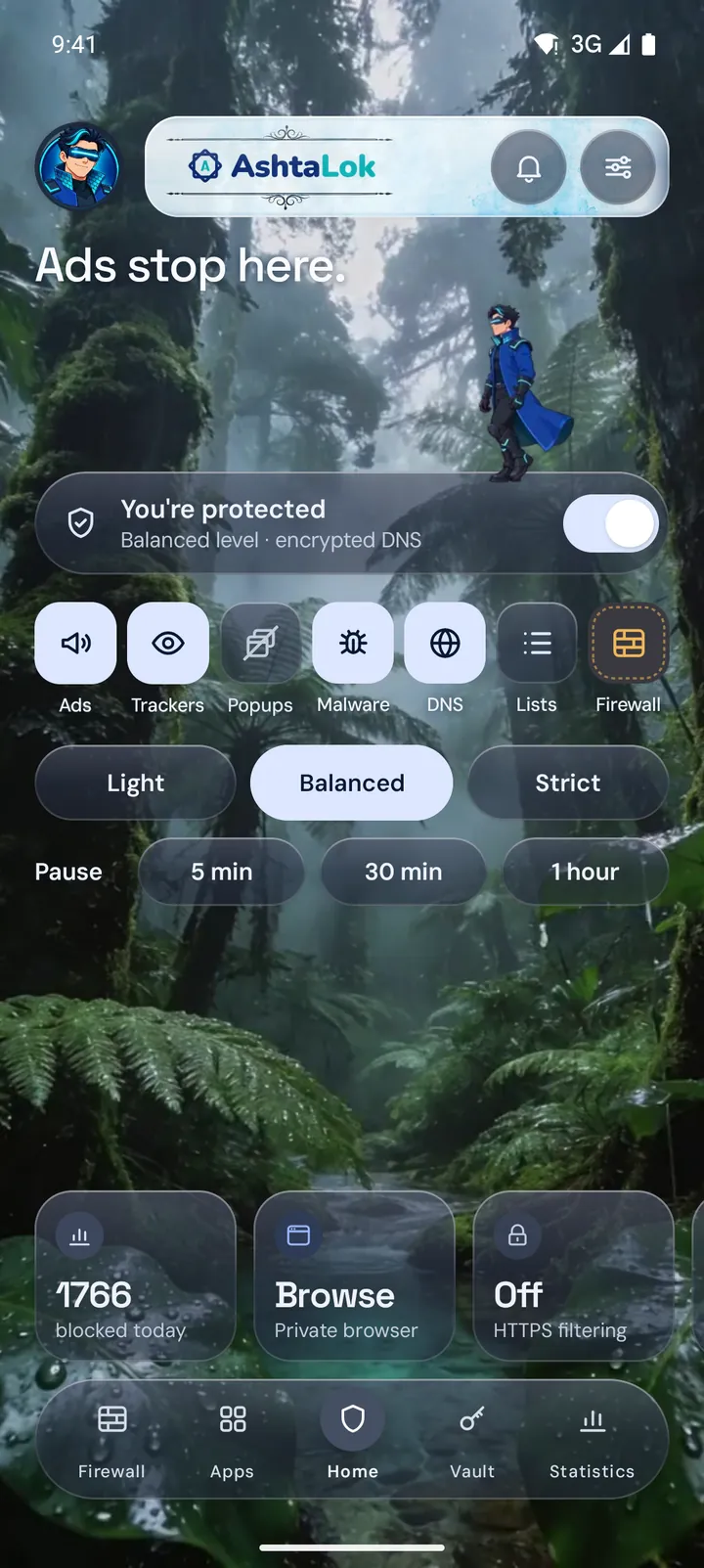
How it works
Decided on your phone.

A VPN that stays on the phone
Android's VPN setting lets it see lookups. Nothing goes to an AshtaLok server; your location doesn't change.
Ad servers get no answer
A name on a block list gets nothing back, so the ad never loads.
The rest goes encrypted
Over encrypted DNS to Cloudflare or Quad9, switching if one doesn't answer.
Plain, unencrypted DNS only if you switch it on yourself, with a warning while it's in use.
Three levels. One tap.
Balanced suits most people. Strict blocks more, and may need more exceptions.
Recorded on the Android 15 emulator.
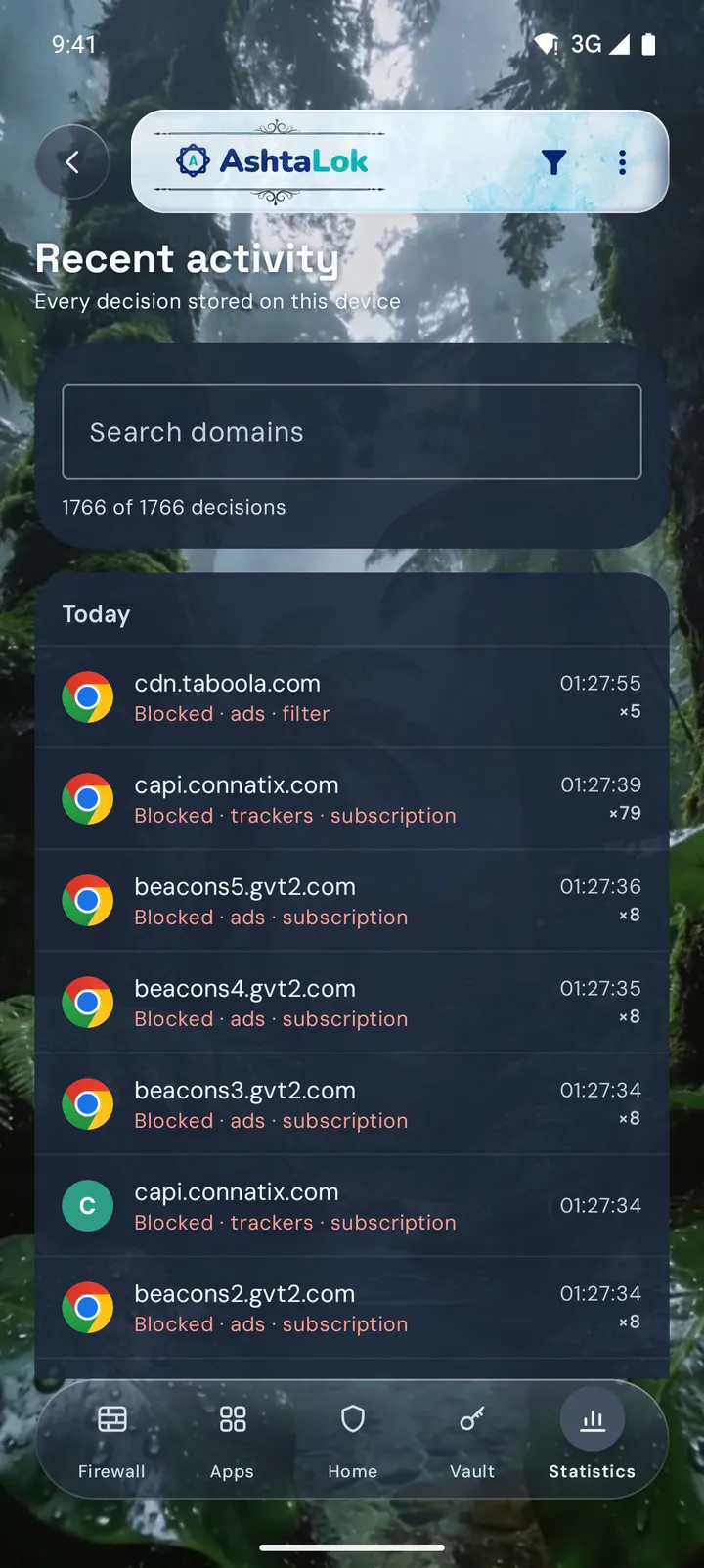
Recent activity
Every block, explained.
Which app asked, and the rule that decided.
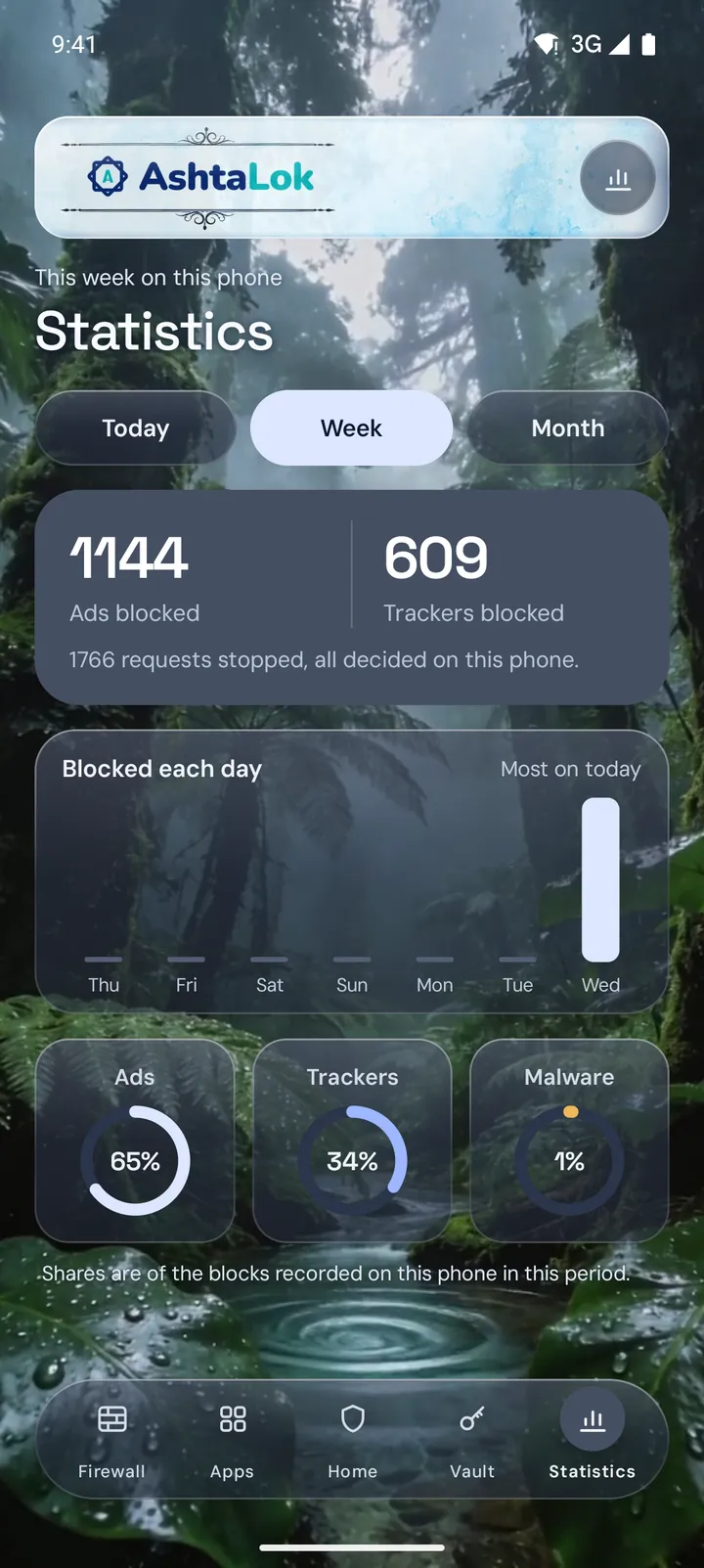
Statistics
Counted by app, and by company.
Stored on the phone, encrypted. Clear it any time.
What's in the app.
Encrypted DNS
DNS over HTTPS with Cloudflare, over TLS with Quad9, and failover.
Your lists, your rules
Community lists such as EasyList, and your own allow and block rules.
A private browser
No history. Share a video from the YouTube app to watch it here without ads.
Fix an app
A guided check finds what was blocked.
Password manager
An encrypted vault, filled by Android Autofill.
HTTPS filtering
Ads served from the page's own address, in supported browsers. Off until you switch it on.
Per-app firewall
Which apps may use Wi-Fi, mobile data, or nothing.
Tech specs.
- Device
- An Android phone. Tablets and foldables once device testing is done.
- Android version
- Tested on Android 14 to 17. The lowest supported version will be confirmed at release.
- Root
- Not needed.
- Other VPN apps
- Android runs one VPN app at a time, so AshtaLok can't be on alongside another.
- Tested on
- A Samsung Galaxy and an ASUS ROG Phone, plus Android 14 to 17 emulators.
Android tablets and foldables
The same app, with large-screen layouts already built. Listed on the download page once real tablets pass.
Straight answers.
Does it block ads in the YouTube app?
No. The YouTube app can't be filtered on a phone that isn't rooted. Share a video to AshtaLok's private browser instead, and it plays there without ads.
Is AshtaLok a VPN?
It uses Android's VPN setting so it can run on your phone, but your traffic isn't sent to an AshtaLok server and your location doesn't change.
Does it work on mobile data and Wi-Fi?
Yes. The filter runs on the phone, so it works the same on both.
Will it break apps?
Occasionally. Pause protection, allow that site, or run the guided check to find exactly what to allow.
Does it block every ad?
No blocker does. AshtaLok blocks ads and trackers from the servers on its lists and yours, and shows you each block.
Does it block phishing sites?
Yes, at every level. AshtaLok blocks the sites on PhishTank’s list of verified phishing pages, the fake sign-in and payment pages it confirms are still online. Services many people share, such as Google Docs or Dropbox links, are never blocked as a whole. Checked on Android 15 with live phishing sites.
Be first to know.
It isn't on any app store yet, and there's no release date.